
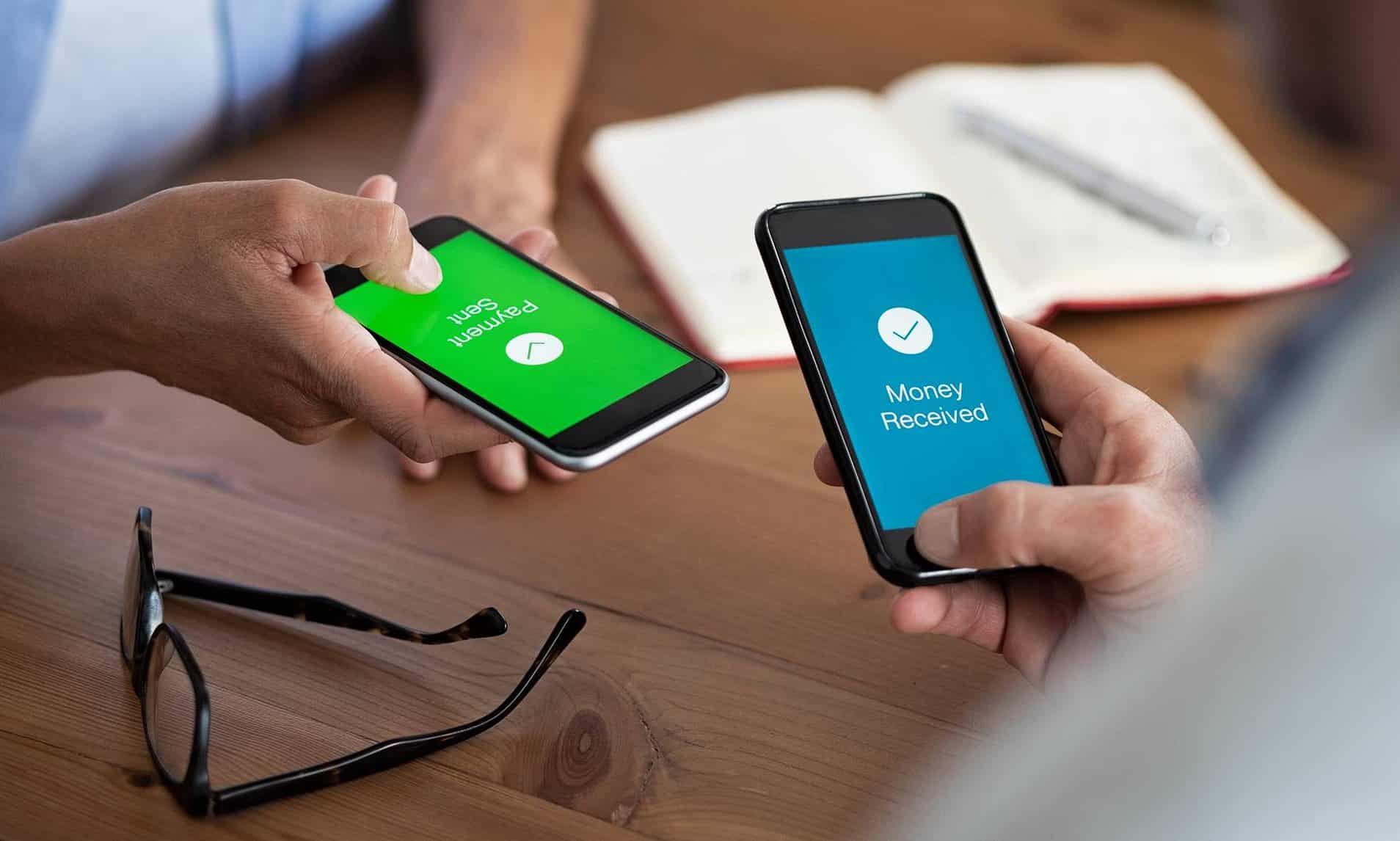
UPI has made digital payments almost effortless. You scan a QR code, enter your PIN, and the payment is completed in seconds. That convenience is exactly why millions rely on UPI every day for everything from groceries to rent. But there’s a downside to that speed—a single wrong digit in a phone number or an extra zero in the amount can send your hard-earned money to the wrong person instantly. And once it’s gone, panic usually sets in.
So without any further ado, let’s get into what actually happens when a UPI payment goes wrong—and what you can do about it.
Is It Possible to Reverse a UPI Payment?
Short answer: No.
Once you enter your UPI PIN and confirm the transaction, it cannot be reversed automatically. UPI does not have an “undo” button. The money moves in real time, directly from your bank account to the recipient’s account.
That said, all hope is not lost. While you can’t reverse a transaction on your own, you may still be able to recover the money—provided you act quickly and follow the correct process.
Method 1: Report the Transaction Within the App
Your first step should always be the UPI app you used to make the payment, such as Google Pay, PhonePe, Paytm, or any other supported app.
Here’s what to do:
- Open the app and go to your transaction history.
- Find the incorrect transaction.
- Tap Report a problem or Raise a dispute.
- Select the appropriate issue and submit the complaint honestly and accurately.
Each app has a slightly different dispute flow, but the core idea is the same. This creates an official record and alerts both the app and the bank that something has gone wrong.
Method 2: Contact Your Bank Directly
If reporting through the app doesn’t lead to a quick resolution, your bank becomes the most important authority in the process.
- Call your bank’s customer care or visit your nearest branch.
- Clearly explain that you sent money to the wrong recipient via UPI.
Keep the following details ready:
- UPI Transaction ID
- Receiver’s UPI ID or account number
- Date and time of the transaction
- Amount sent
You can find all of this information in the transaction receipt within your UPI app. The bank may contact the recipient on your behalf and request a reversal. If the recipient agrees, the money can be credited back to your account.
Method 3: Escalate via the NPCI Grievance Portal
If neither the app nor your bank resolves the issue within a few days, you can escalate the matter further.
Visit the NPCI Customer Grievance Portal and:
- Enter your Transaction ID.
- Open a formal dispute.
- Note the reference number provided to track your complaint.
This step often pushes banks to treat the issue more seriously, as NPCI oversees UPI operations at a national level.
ALSO READ: How To Stop Grok From Creating Your AI Images On X: Easy Guide
Reality Check: Recovery Is Not Guaranteed
The success of recovering your money largely depends on one key factor—the recipient. If they are cooperative and agree to return the funds, the process can be relatively smooth. If they refuse, recovery becomes slow, complicated, and sometimes uncertain.
That’s why with UPI, prevention is far better than cure.
Pro Tip: How to Avoid Costly UPI Mistakes
Most UPI errors happen in a rush. Taking just a few extra seconds can save you weeks of stress.
- Scan a QR code instead of manually typing numbers whenever possible.
- Always check the recipient’s name before confirming the payment.
- Double-check the amount, especially for large transactions.
Those extra two seconds of caution can save you a lot of anguish later.
UPI is powerful because it’s fast—but that same speed is what makes mistakes so expensive. Stay alert, pay mindfully, and if something does go wrong, respond calmly and in an organized way rather than panicking.